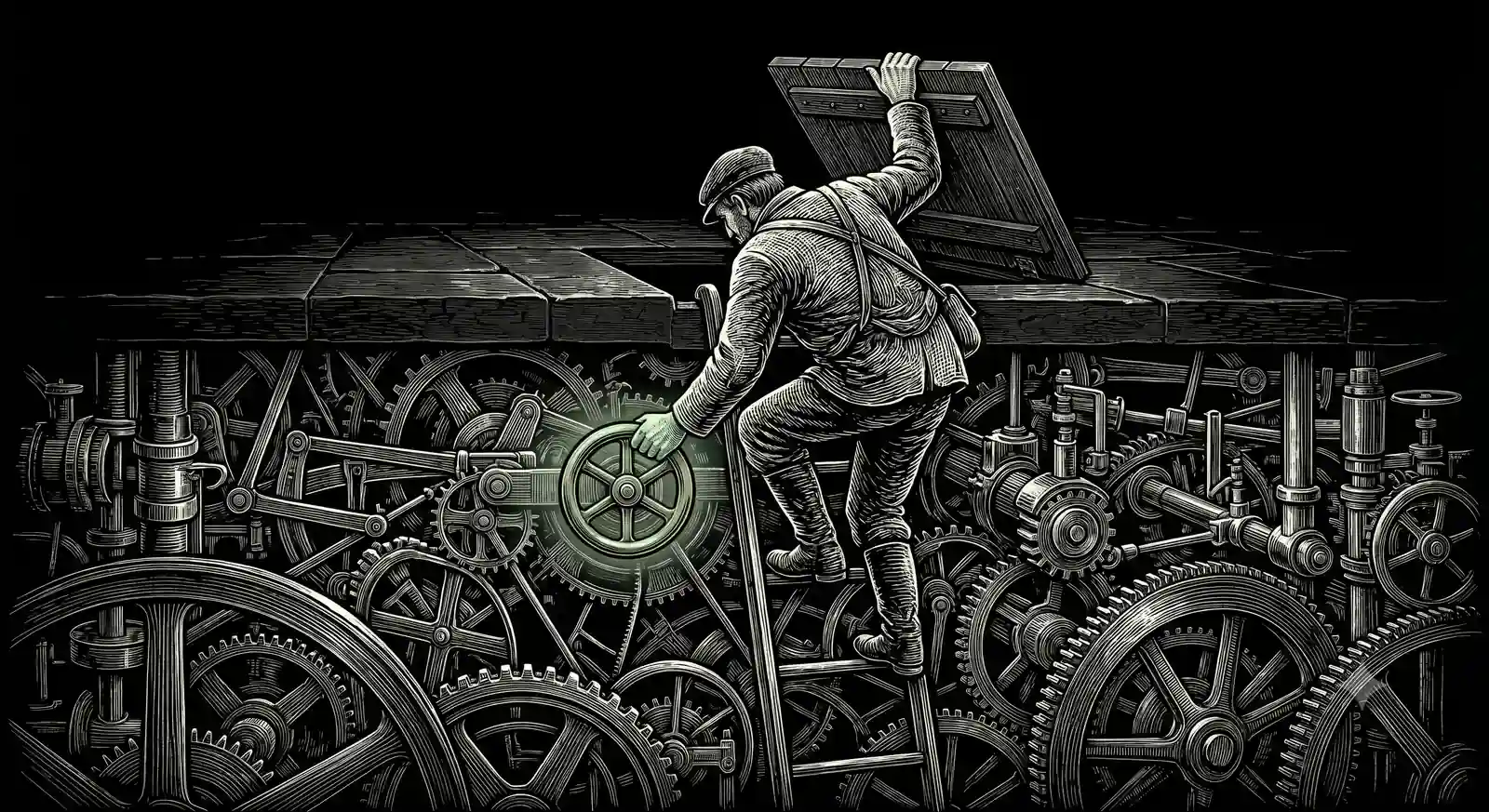
Agent = Model + Harness
The Illusion
You have watched Claude Code run for twenty minutes and never lose the thread.
A tool call fails; it reads the error, tries another way, keeps going. Then you wire the same model up behind a raw API key and it goes flat. It forgets what you told it. It gives up the moment something breaks.
Same model. Same weights.
One feels like a colleague. The other, a clever intern with amnesia.
Part 1 made the argument and named the skill: harness engineering. You came here for the vocabulary. This is the machine, opened.
Just an Engine
First, kill the myth: the magic is not a better prompt, and it is not a better eval suite.
When Claude Code's client source leaked this spring, the striking thing wasn't any secret instruction. It was that the core instructions are task-agnostic. Nothing about your repo, your bug, your workflow is hardcoded anywhere. The specificity arrives at runtime: your project's rules, the available tools, the relevant files, assembled fresh around the model on every turn.
The right mental model: the harness leaves the model exactly one job. Judgment. Everything else, everything, is environment. How it behaves each time it wakes up is a function of the environment it wakes up in.
Build it a jail, you get a prisoner.
Put a Ferrari engine in a Polo, you get a Polo.
The model supplies judgment. The harness decides what it gets to judge, what it may touch, and when it must stop.
Harness engineering is environment design. And environment design is product design one layer down. That's why this layer is where your taste goes now.
The Same Three Layers
In Part 1 we split the harness into three layers to show what the labs were eating. Same tree, redrawn under a harness you build yourself. Every box comes back.
Each part is not a component. It's a place where a decision lives. The loop holds “when is it done and how many retries is that worth.” Permissions hold “what needs a human.” Memory holds “what survives the session.” Read the diagram as nine addresses, not nine features. Taste, down here, is having an opinion about what belongs at each address.
And Part 1's five questions? They each have an address now:
Watch It Run
Now watch the anatomy in motion. One ordinary, ambiguous ask: “make the checkout tests pass.” First the shape of the run, then the beats.
CLAUDE.md.git push and shows a diff instead of a changed repo.Nine parts, one ambiguous sentence, and you felt none of it. That's the tell of a great harness: the decisions disappear into smoothness. And every one of them was tuned for exactly one user: an engineer, at a terminal, watching.
The Dial
Here's what the anatomy hides, and the reason this piece exists. All nine parts implement one tradeoff: how much does the model decide, and how much does the code.
Turn it toward the model: it handles ambiguity, feels smart, surprises you, costs more, and is harder to predict. Turn it toward the code: reliable, cheap, testable, rigid. At the far end of rigid you've built Part 1's wizard. At the far end of smart you've built something you can't put in front of a customer.
That corrects how everyone talks about this: smartness is not a level. It's an allocation. Nobody sets one dial for the whole product; a good harness sets it per step. Claude Code is ruthlessly deterministic about permissions and completely judgmental about planning. That non-uniformity is the craft.
And these settings aren't vibes in someone's head. They're numbers in a file. One open-source reimplementation of Claude Code carries the loop's knobs as a frozen config: max_turns: 8, compact_after_turns: 12, structured_retry_limit: 2. Those are the port's choices, not verified Anthropic defaults; the distinction doesn't weaken the point.
Someone typed 8.
Someone priced another failed retry at exactly two.
Those are product decisions. In most companies, they ship without a PM in the room.
Your Blanks
Now swap the user: yours is a sales lead in a browser, a support agent mid-ticket, an ops manager on a phone. Every setting resets:
git pushThese blanks are Part 1's micro-decisions, now with names and addresses. Nine parts, a dial position each, times every step of your workflow. That's the honest size of the job, and odds are nobody on your team owns the whole of it.
Now You Can See It
You have the map. You have the dial. Here's what you still don't have: answers. Nobody, including the people who built Claude Code, can set a dial from a chair. They set theirs by watching it run and revising until the decisions disappeared into smoothness. The honest answer to “how much judgment should this step get?” is still “I'd have to see it run.”
So build the disposable version. It is the exact right thing for a PM to prototype. Not for production; if it gets there, great, but that was never the point. You prototype to find the answers that were always supposed to be part of your job. You know what to watch for now: the step where it over-asks and a user would quit. The step where it burns frontier reasoning on boilerplate. The turn where compaction eats the sentence your buyer paid for.
One discipline while you do it: don't grade the output. Watch the trace.
- Where did it ask when it should have acted, or act when it should have asked?
- Which context changed the answer?
- Which failure could have recovered?
- Which step deserved a cheaper model, or a better one?
- What did the user have to repeat?
- What was correct but lost during repair?
A screen prototype reveals the interface.
The trace reveals the actual agent.
The way in isn't a menu. It's a ladder:
- Get a baseline Perform the task with Claude itself, headless: no interface, no build, just the job chained through local skills. Work the output until it's genuinely good. Worst case, you now own a benchmark to beat, which is more than most AI roadmaps are built on.
- Find the gaps Read the trace against the nine parts. Where would a sub-agent save tokens? What data sitting in your platform would sharpen the output? Which workflow steps could be inferred instead of asked for? Some parts won't apply, and ruling one out is also setting a dial.
- Swap in the real pieces Replace the stand-ins one dial at a time, as far as your proficiency takes you: an MCP server here, real data there. Log as you go; the log is the spec writing itself.
- Prototype on real data End at something you can put in front of a customer, running on their actual data. If the build outgrows you, this is where you bring in a developer, the pairing we'd recommend. And the rule stands: the decisions are the deliverable, not the code.
Figma reactions are worth nothing for an AI product.
A trace on real data is the only demo that counts.
Or watch a live example. Part 3 is Yukta, start to finish: the first flow, the failures, the dial changes, and the requirements that fell out of it.
The dial is being set on your product today.
By a framework default. By a developer choosing the fastest path. By a model provider's generic assumptions.
Sources The Claude Code source leak (InfoQ, heise) · The config quote (an open-source reimplementation of Claude Code) · Claude Code architecture, current behaviour (sub-agents, hooks, memory, settings and permissions) · openclaw (Repo) · Series carry-over (Part 1)